
Form Engine Clients can monitor their transaction usage against their annual subscription thanks to the New Monthly Reporting feature.
Follow the Steps below to access the Report.
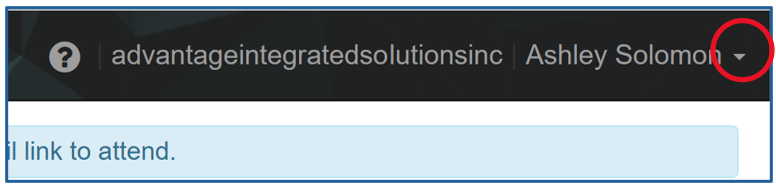
1. Click on the arrow located to the right of your name in the black menu bar located on the top of the window.
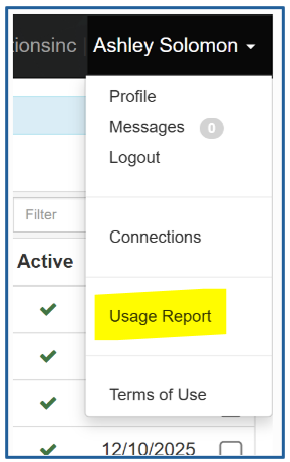
2. In the drop-down menu, select Usage Report.
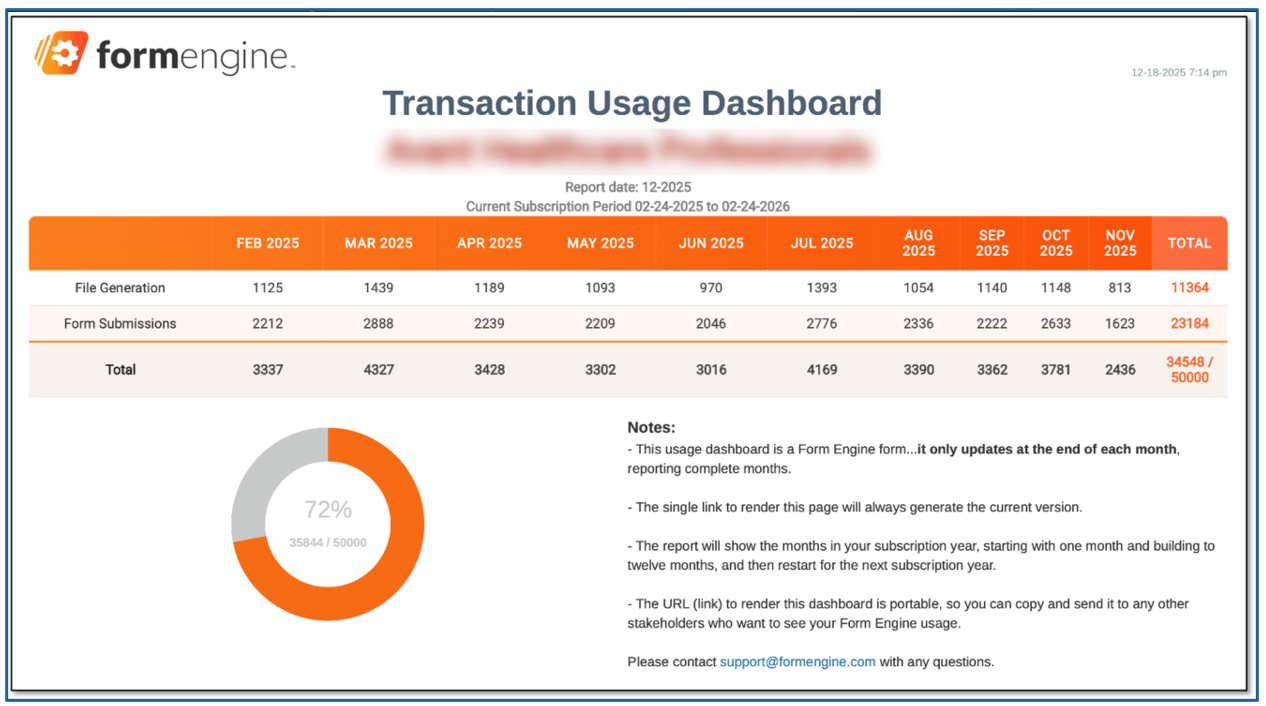
3. The report will open in a new browser tab showing your monthly usage as of the previous month.
A few things worth noting…
- The report shows the number of transactions used monthly.
- Report updates at the end of each month, reporting complete months.
- The report will show the months in your subscription year, starting with one month and building to twelve months, and then restart for the next subscription year.
- Monthly Totals are tracked against current, annual subscription allotment.
- The URL (link) to render this dashboard is portable, so you can copy and send it to any other stakeholders who want to see your Form Engine usage.